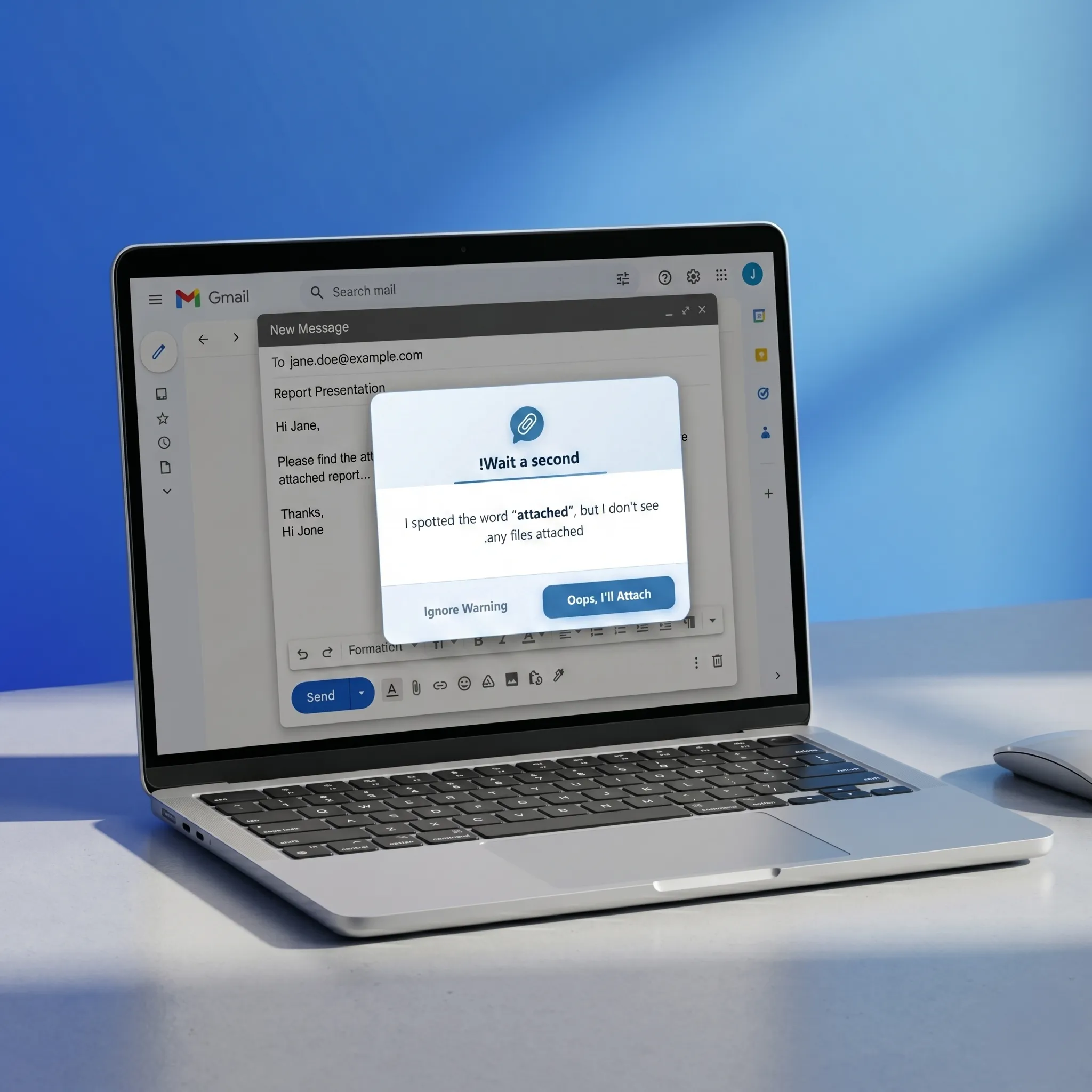
Attachment Reminder scans your email for default keywords or any custom words you add (in any language!) — and alerts you right after you hit Send without a file.
Smart, lightweight, and built to save you from the most common email mistake.
Automatically scans your email body for common default keywords like "attached", "enclosed", ".pdf", or "invoice".
Checks if files are actually attached — works with drag & drop, cloud links (Google Drive, Dropbox), and inline attachments.
Intercepts the Send button and shows a friendly modal so you can attach your file before it's too late.
Add your own trigger words in any language! The extension fully supports all languages and alphabets to match your unique workflow.
Premium users get their keywords synced across every Chrome browser signed into their account.
Temporarily disable the reminder when sending quick emails — the extension won't interrupt your flow.
Set it up once, and it quietly works in the background every time you compose an email.
Add Attachment Reminder to Chrome with one click. No sign-up required for the free plan.
Compose your email normally in Gmail, Outlook, or Yahoo Mail. The extension monitors in the background.
If you mention an attachment but forget to attach it, a friendly popup stops you right after you hit Send.
I spotted the word "attached", but I don't see any files attached.
The moment you click "Send" without an attachment, Attachment Reminder steps in with a polite, non-intrusive popup giving you the chance to fix the mistake.
Start free, upgrade when you need more power.
Quick answers to common questions about Attachment Reminder.
Join thousands of professionals who trust Attachment Reminder to catch their mistakes before they happen. Try Premium free for 3 days.
Add to Chrome — It's Free